Selenium + Python: My First Automation Script (Day 1)
learning automation day 1
L
I've got accomplished web development with expertise in various programming languages including PHP, Laravel, C#, and C++. My curiosity to learn more and my passion for coding drives me to constantly enhance my skills and create exceptional digital experiences.
- Selenium is a framework (I'll use Python with Selenium).
The first script is :
from selenium import webdriver #from selenium webdriver is a standard
driver = webdriver.Chrome() # inside seleinum.webdrivers we have browserdrivers so we are using chrome
driver.get("https://www.youtube.com") #get is a method
input("Press enter") #python function to have a input or hold a program until input is entered
driver.quit() #terminates the driver
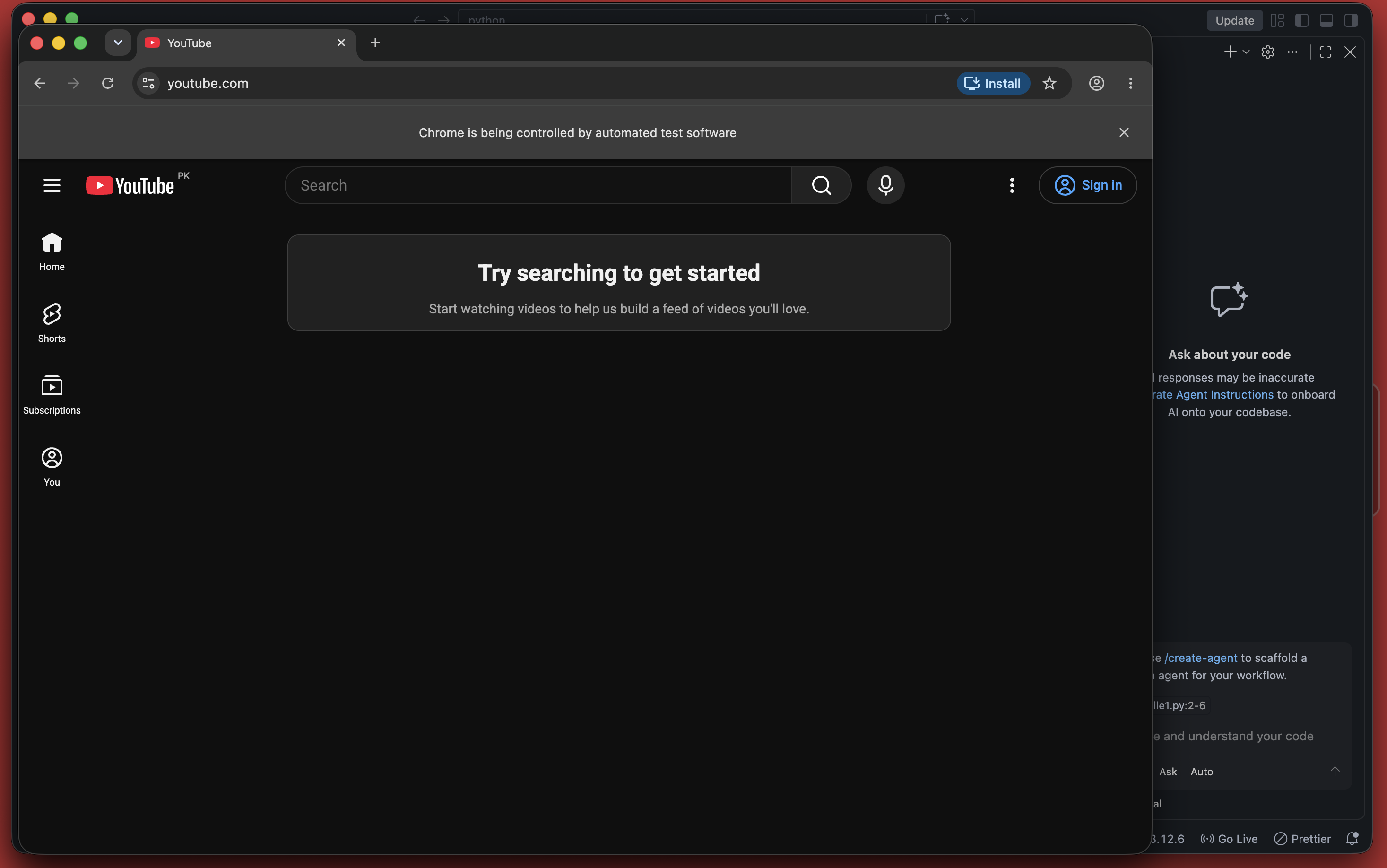
Results are: it will open Chrome with https://www.youtube.com and once a key is pressed, it will quit the browser.