Dockerizing Laravel Project Step-By-Step

I've got accomplished web development with expertise in various programming languages including PHP, Laravel, C#, and C++. My curiosity to learn more and my passion for coding drives me to constantly enhance my skills and create exceptional digital experiences.
Setting up Docker files
Visit this blog first to shift normal Laravel project to sail Laravel
Open Laravel Project in the code editor
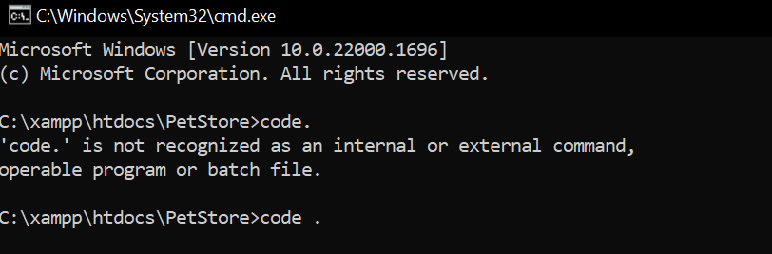
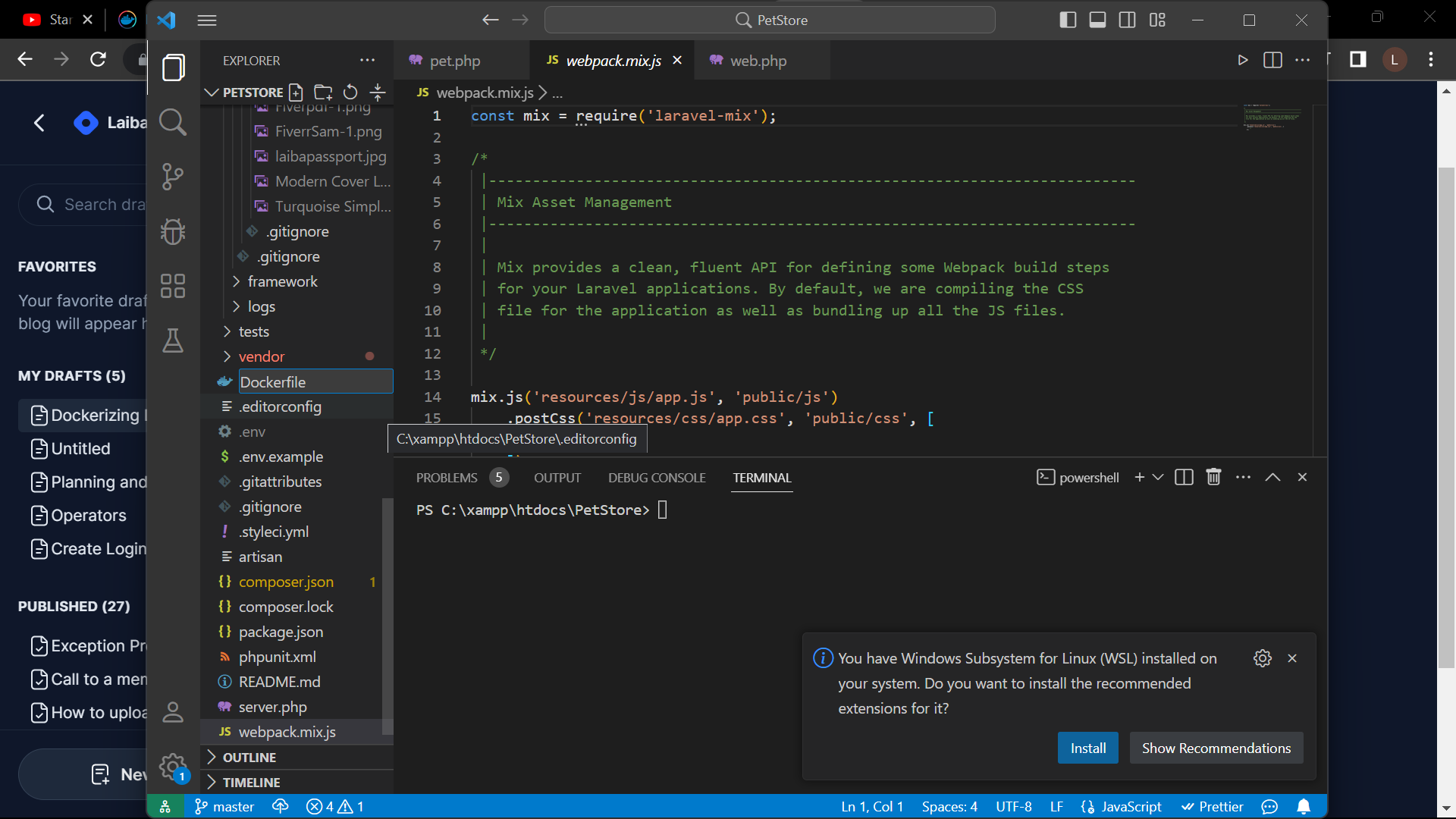
Now make a docker file like the one shown below
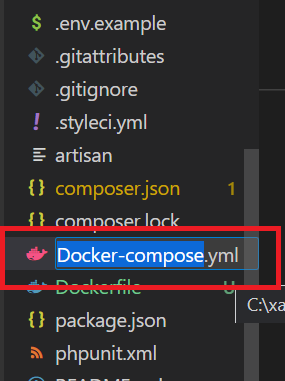
make another file named 'Docker-compose.yml'
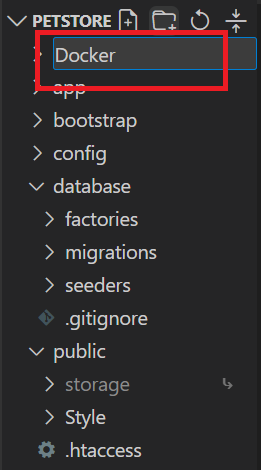
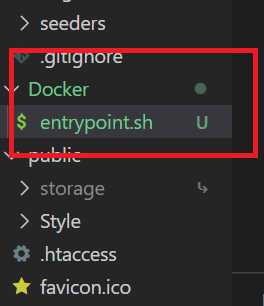
Also, make a folder named Docker and inside that docker file I'll be creating a file titled entrypoint.sh
Run a command in terminal
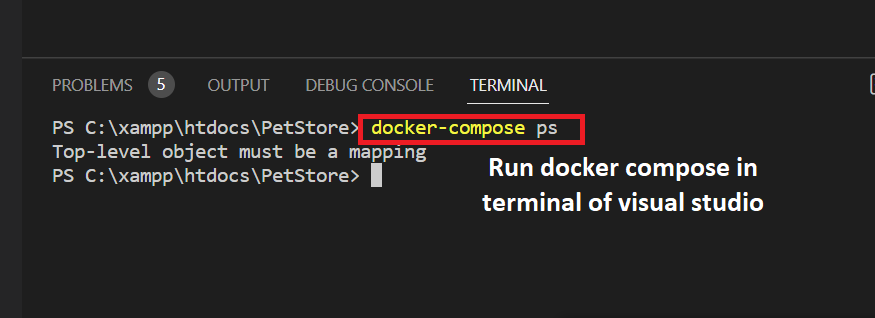
Building Database Container.
For the database container, I'll be working in the docker-compose.yml file which was inside the Docker folder I've created above.
Use Laravel-Sail up
a. composer requires laravel/sail --dev
docker works with Laravel sail that's why I have executed the overhead command
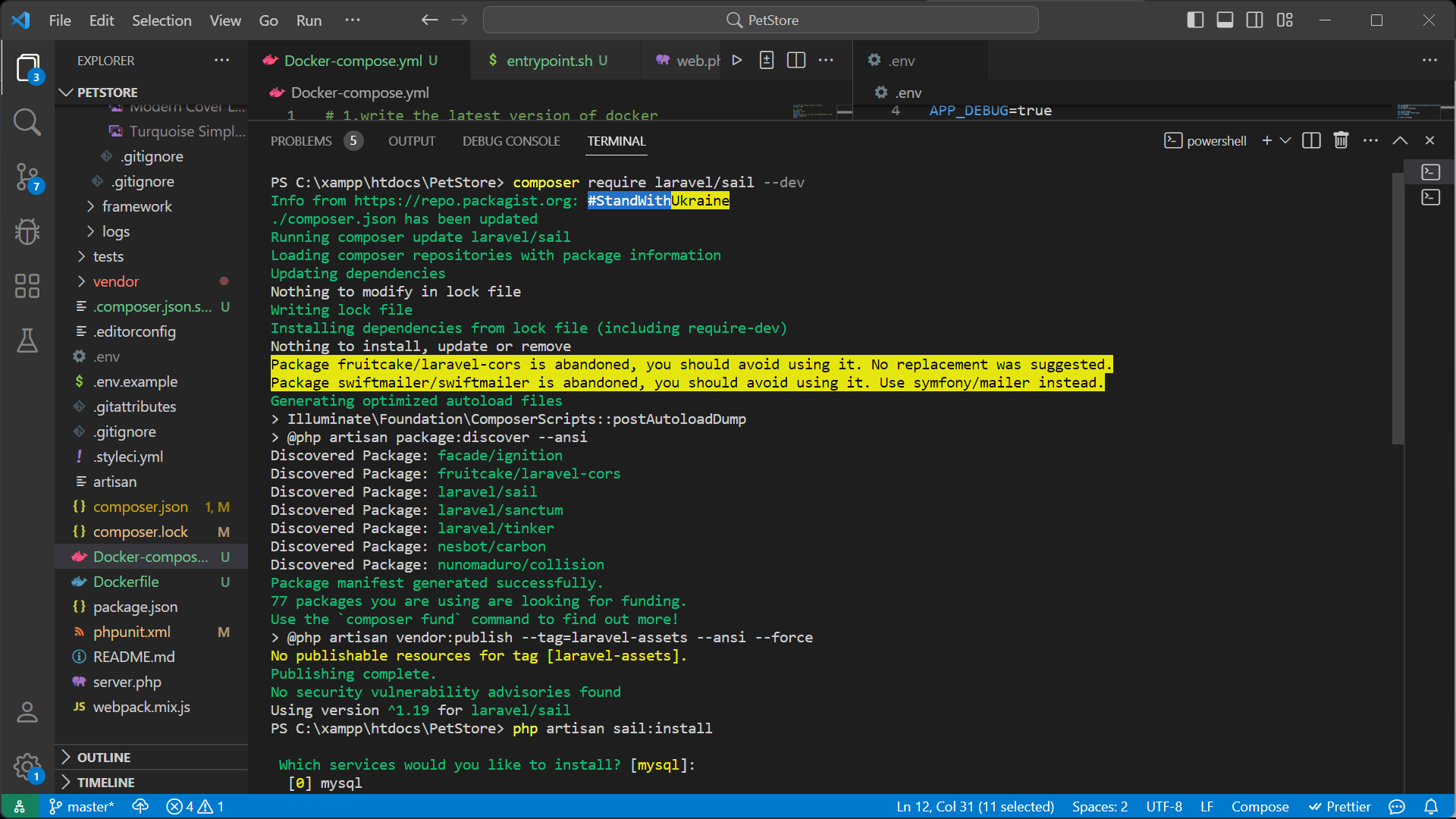
b.php artisan sail:install -> for installing services like MySQL and stuff
Thereafter I'll be running docker commands 'docker compose up --build'
Docker build container
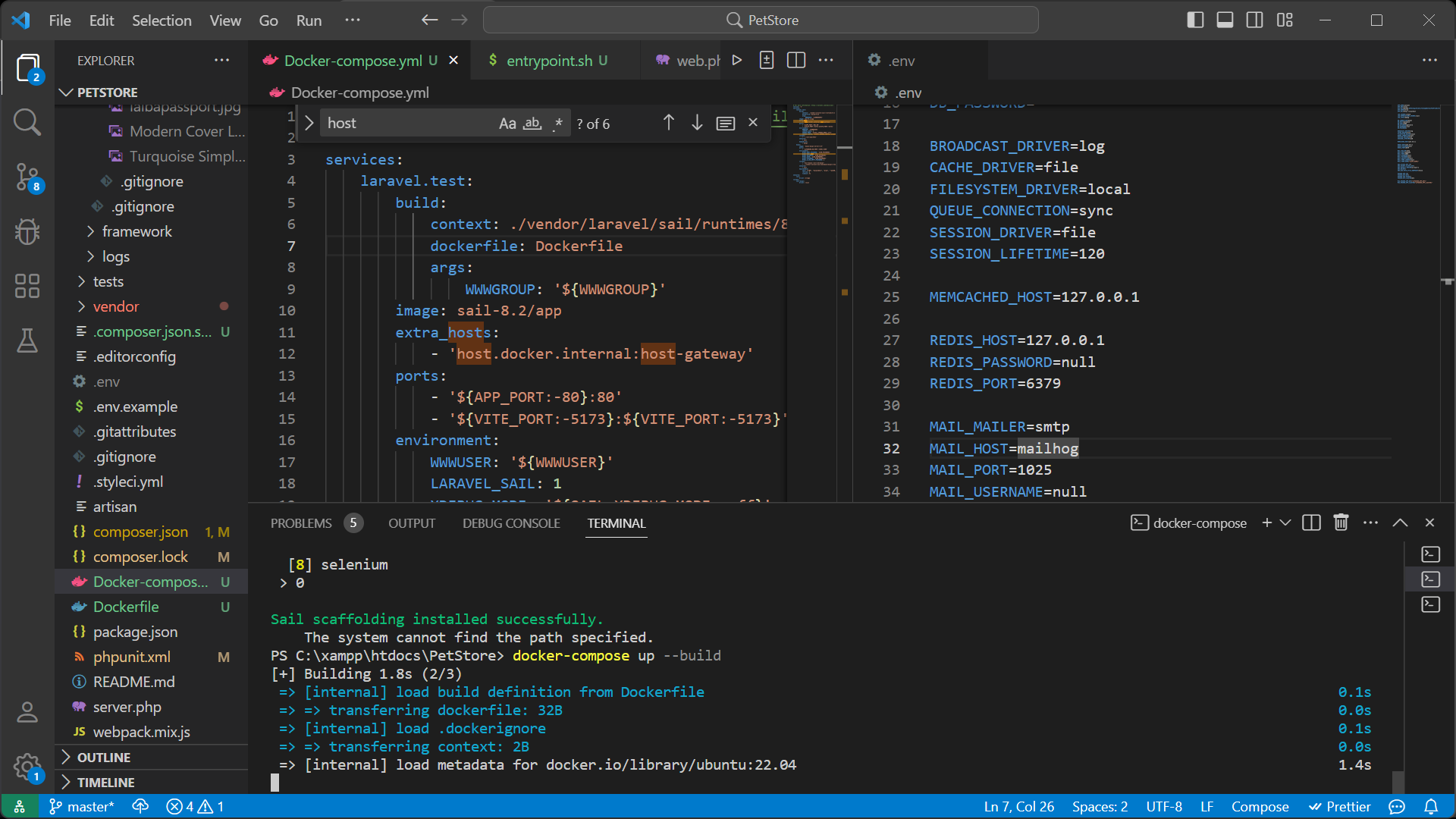
when we'll do enter sail commands than.yml file will setup automatically
Docker File Content
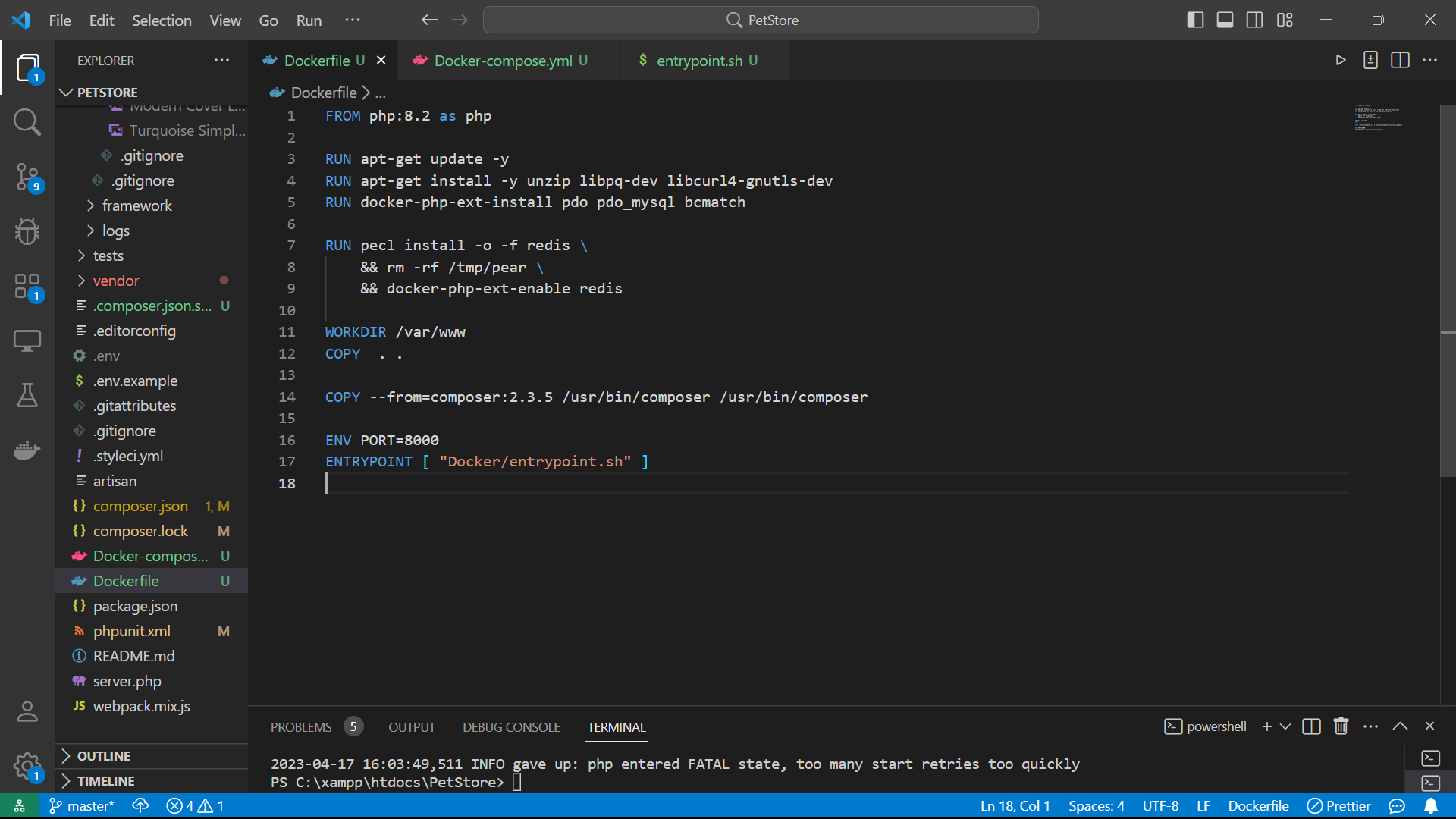
This entire content will be set up when you will install the sail-laravel.
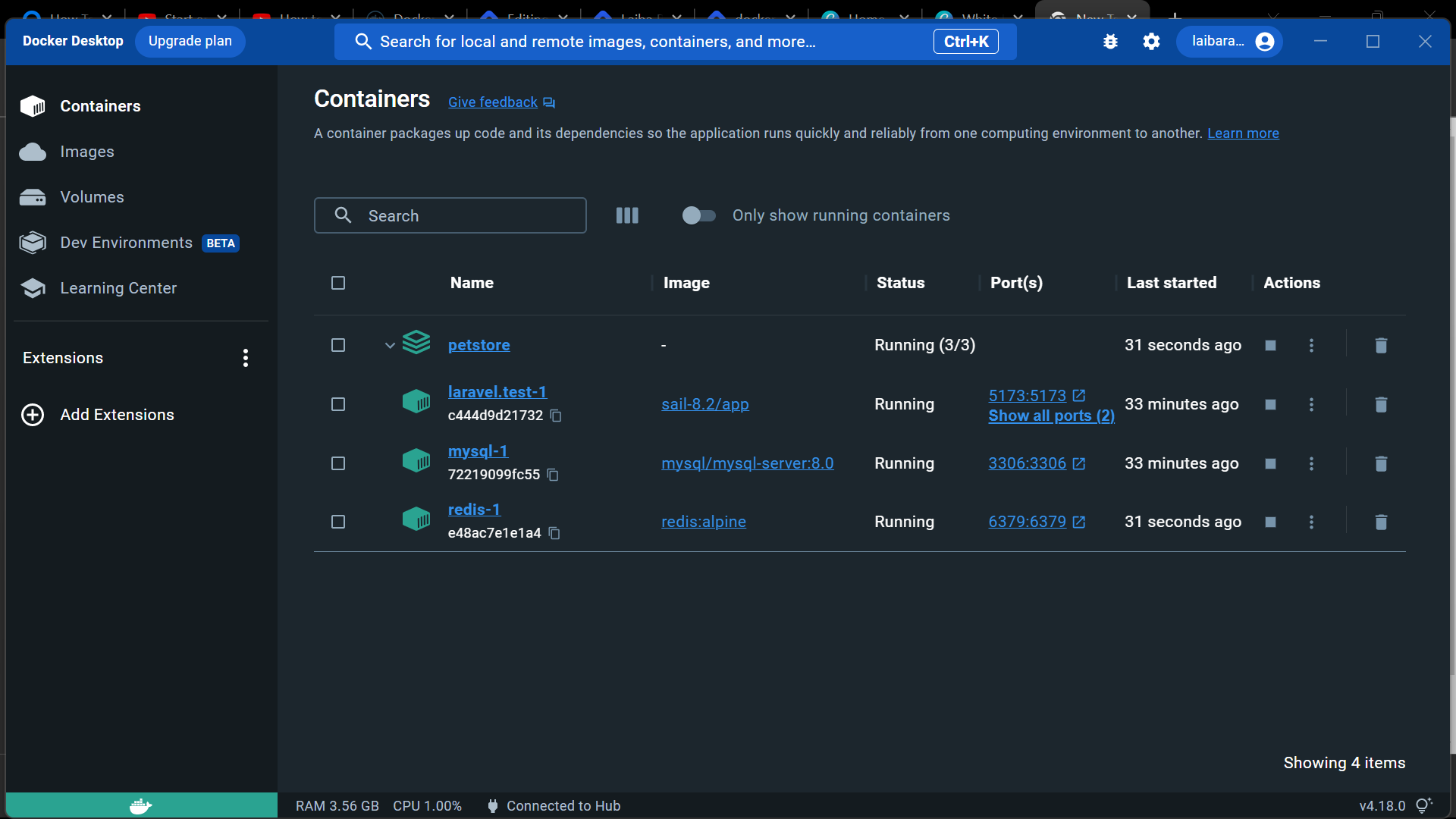
Docker-Desktop
After following the above procedure in the terminal write
docker-compose up --build
and the container will have a similar look to that displayed below in the docker desktop
Feel free to ask your queries.

